MemoryMatching.com
Word Search Game
Play free word search games online - no sign-up, no download. Find hidden words inside a grid of letters by dragging across them. Choose from Easy, Medium, Hard or Numbers mode. Explore more puzzle games.
4 modes · Free to play
Choose a Word Search Mode
Pick a difficulty and start searching - free, no sign-up needed.
How to Play Word Search
Simple steps to get started
- Choose a mode - Pick Easy, Medium, Hard or Numbers above and click Play.
- Study the list - Check the list of words (or numbers) you need to find.
- Find matches - Scan the grid to locate each word. Directions depend on the mode.
- Drag to select - Click and drag (or swipe on mobile) across the letters to highlight a word or number.
- Beat the clock - Find everything before time runs out to win.
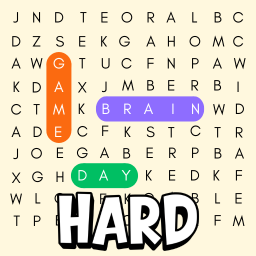
- Hard mode tip - The list shows partial clues with dashes. Use the visible letters to guess the word, then find it in the grid.
Why Play Word Search Games?
A proven exercise for focus and vocabulary
Word search games train pattern recognition, focus and vocabulary in a relaxed but engaging format. Scanning a grid for hidden words keeps your attention sharp and gives your brain a consistent workout.
The challenge scales with you: Easy mode is ideal for beginners, while Hard mode with partially hidden words pushes experienced players. Numbers mode adds a different twist by training digit recognition.
All games are free, require no download, and work on any device. No account needed - just open a mode and start searching.
Frequently Asked Questions
Common questions about word search games
What is a word search game?
A word search game hides words inside a grid of letters. Your goal is to find each word by dragging across the correct letters. Words can go in different directions depending on the difficulty level.
What are the different difficulty modes?
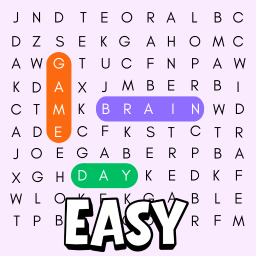
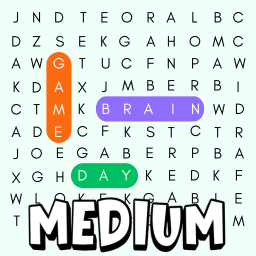
Easy mode uses short words (up to 5 letters) on a smaller grid and simpler directions. Medium adds longer words and more directions. Hard adds partial clues and diagonal directions. Numbers mode replaces words with 4-digit numbers.
What is Hard mode?
In Hard mode, the word list shows partial clues - some letters are hidden with dashes. You need to figure out the full word and then find it in the grid. Words can be placed in all 8 directions including diagonals.
What is Numbers mode?
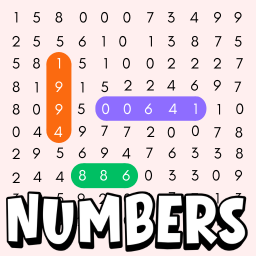
Numbers mode works like a word search, but the grid is filled with digits and you need to find 4-digit numbers instead of words.
Is this game really free?
Yes. All word search modes are free to play in your browser. No download, no sign-up, and no hidden costs.
Can I play on phone or tablet?
Yes. The games work on phones, tablets, and desktops. Touch-drag works the same as mouse-drag. Just open the link in your browser - no app install needed.
Browse More Free Brain Games
More free games to challenge your memory and focus